
Cut The BleedKeep the hit
Dampen drum bleed the way isolation pads would in the room, without the choppy gate sound
Less bleed. No choppy gates
Get cleaner drum mics without losing the natural sound
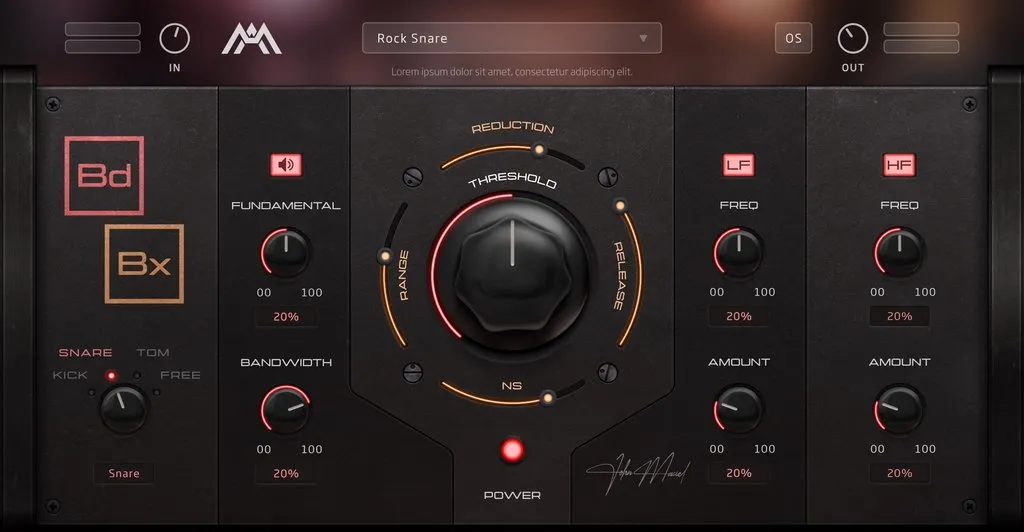
Bleed Box turns down the bleed on your kick, snare and tom mics the way an engineer would with isolation pads in the room. Your drums stay punchy and natural, and your compressors have less to fight.
$99
- Windows and Mac compatible
- VST3, AU, AAX
- Instant download
- Natural dampeningBleed Box turns the bleed down instead of chopping it off, so each shell keeps its decay and the kit still sounds like one kit.
- Drum-specific detectionPick Kick, Snare or Tom, and Bleed Box listens with a detector tuned to that drum. Free mode opens up the full range.
- Keep the sustain you wantBandwidth decides how much ring counts as drum and how much counts as bleed. Boomy toms tighten up, and open snares stay open.
- Built-in recoverySubtle LF and HF recovery bring back the low end and top that gating can take away, without reaching for another EQ..
- Left-to-right workflowThe controls run left to right like a rack unit, so by the time you reach the right side, you’re done.
HEAR BLEED BOX IN ACTION
Dry vs. Bleed Box
Pick a genre and a source, press play and flip the switch.
Under the hood
How Bleed Box Works.
Why Gates Make Drums Sound Choppy
Gates open and close. On real drums, that can leave your shells choppy, transient-heavy and disconnected from the rest of the kit. Then a fill hits that the gate wasn’t set for, and you’re back to fighting it, even with MIDI triggering.
Some bleed is what makes a kit sound like a kit. Bleed Box dampens it the way an engineer would with isolation pads or gels in the room, so your drums stay natural and keep their punch.
Tell Bleed Box What to Listen For
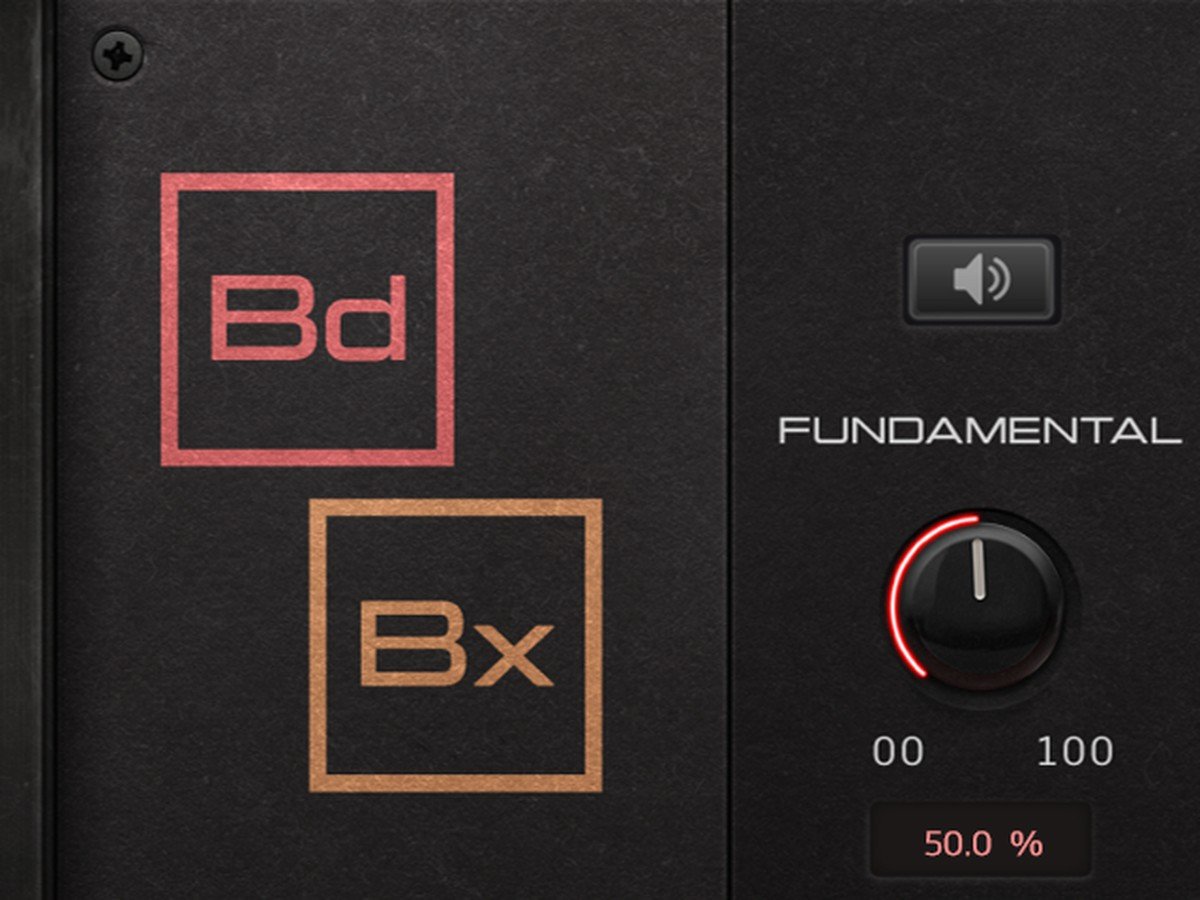
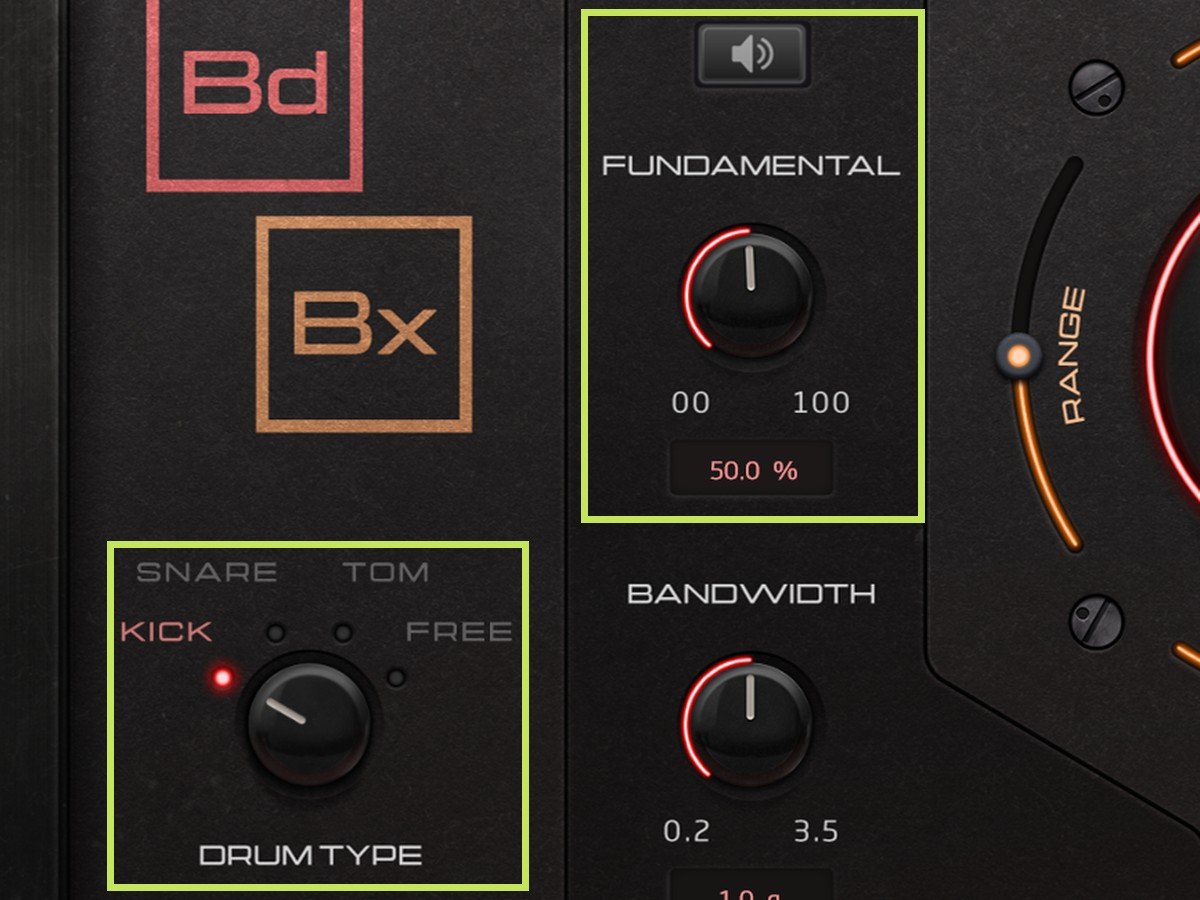
Pick Kick, Snare or Tom, and Bleed Box gives its detector a range tuned to the usual tuning of that drum. Start in the center, move left for lower-tuned drums and right for higher ones, or choose Free for the full range.
Then sweep Fundamental with the Listen button on to hear exactly what the detector hears. Once it locks onto the drum, turn Listen off and mix.
Keep the Sustain You Actually Want
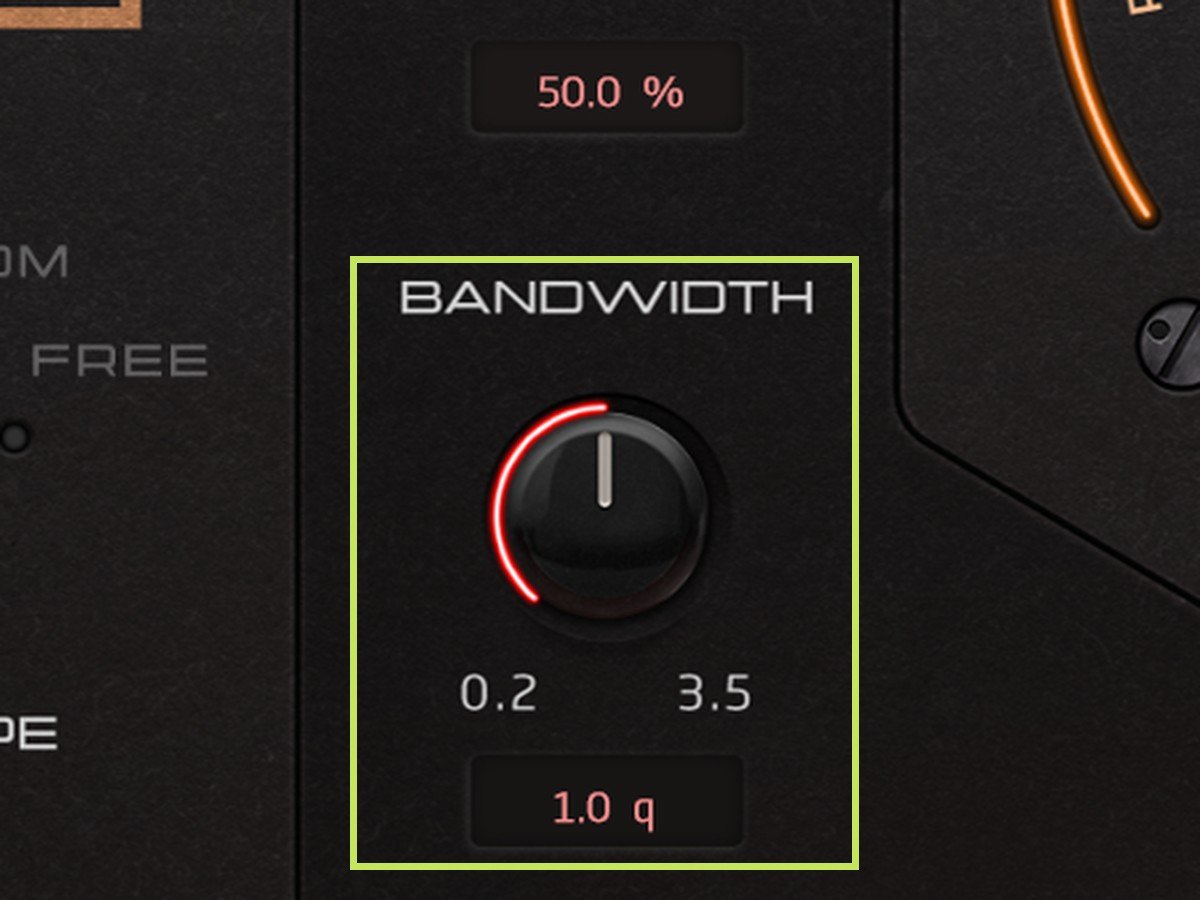
Some drums ring for a reason. If Bleed Box is treating that sustain as bleed, move Bandwidth left to open the detector so it reads the ring as part of the drum.
Move it right to tighten the detector and trim more sustain. On boomy toms that already get plenty of low end from the overheads, that cleans things up fast.
Set How Much Bleed Comes Out
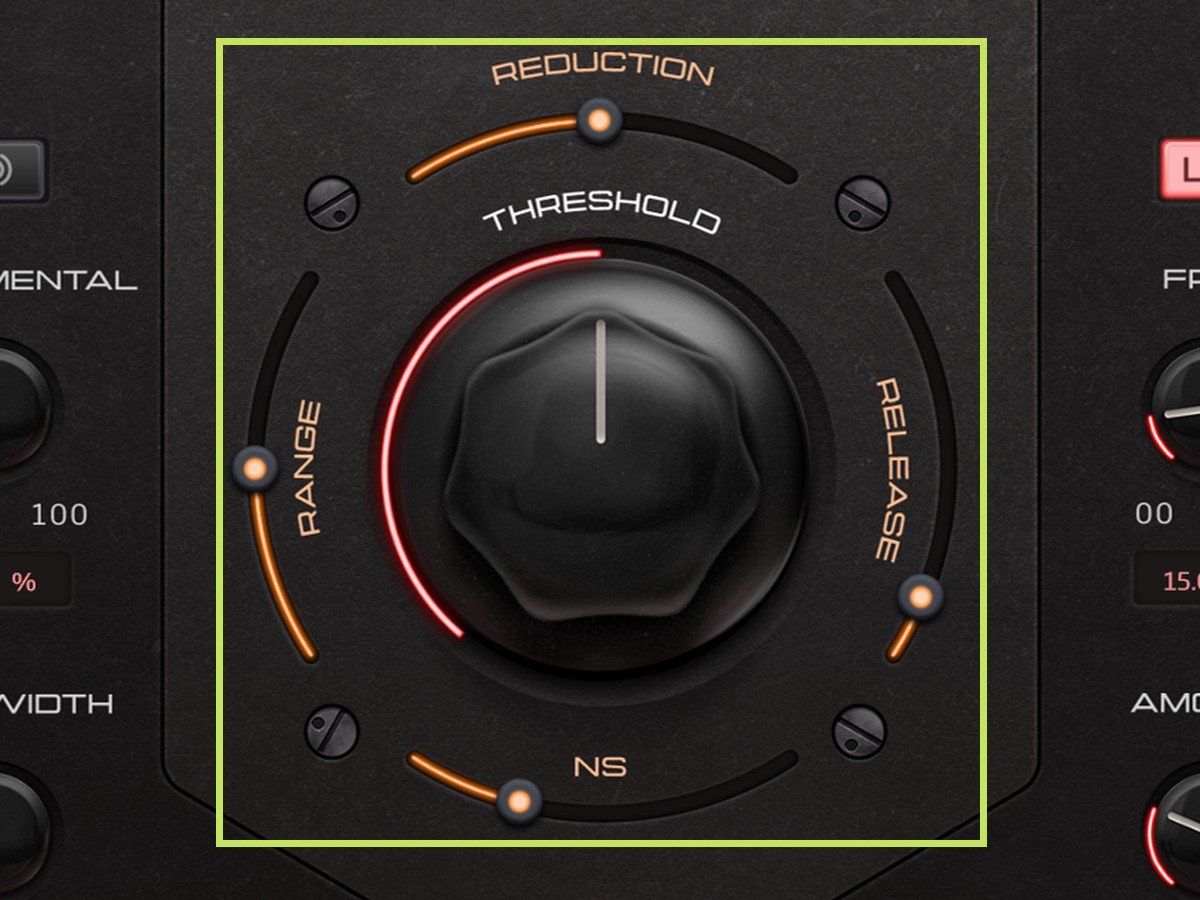
Threshold sets the character, from a harder, more dramatic effect on the left to a more natural sound on the right. Reduction sets how far the bleed is turned down, and it works best kept conservative.
Range controls the high-end bleed, Release lets the drum decay longer when it sounds cut short, and NS clears background noise. A little NS goes a long way.
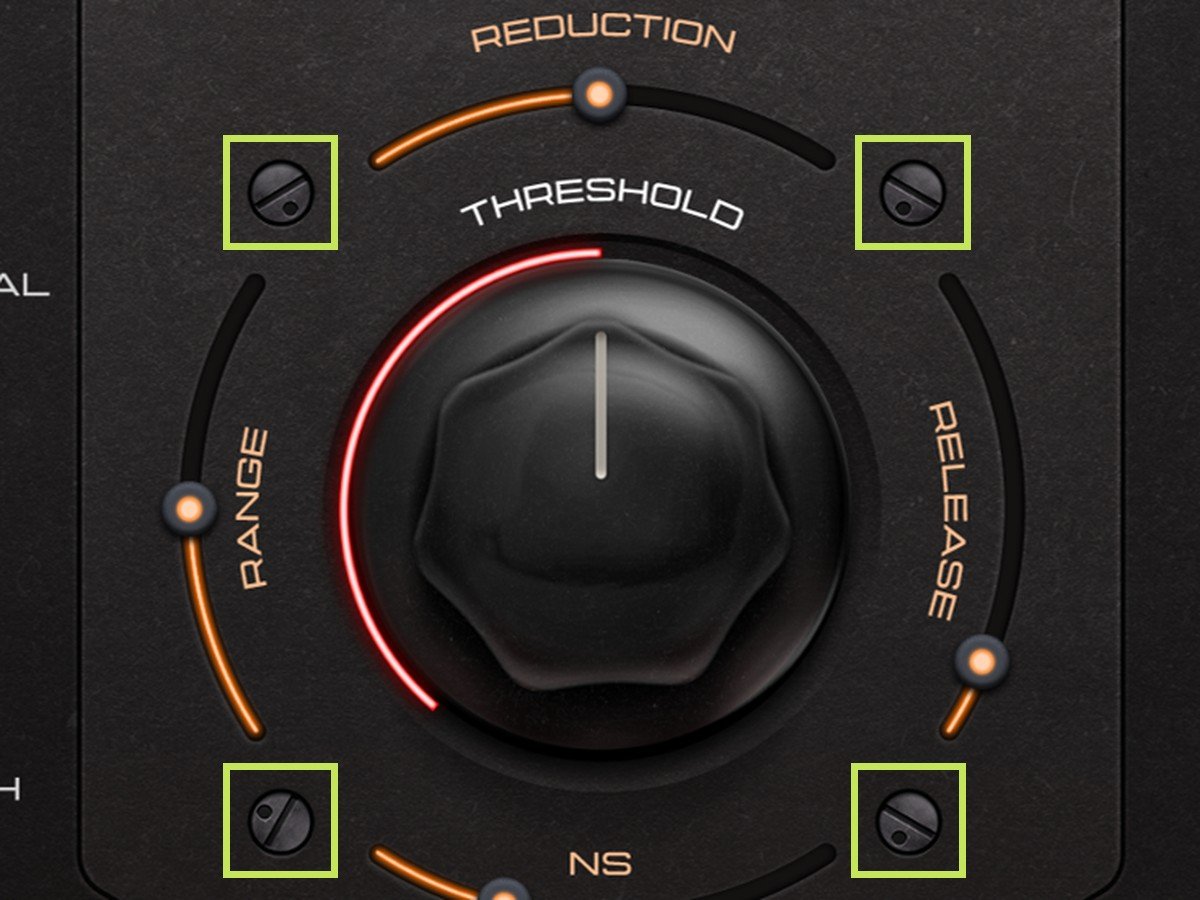
Fine-Tune With the Hidden Screws
The four screws on the faceplate are controls. Hold sets how long Bleed Box stays open. Lookahead defaults to 3 ms, and you can set it to 0 on slower drum parts to remove the latency.
Attack is there for intricate, progressive parts and ghost notes. The detector screw rounds out hits that still sound too pokey.
Get Back the Low End and Top Gating Takes Away
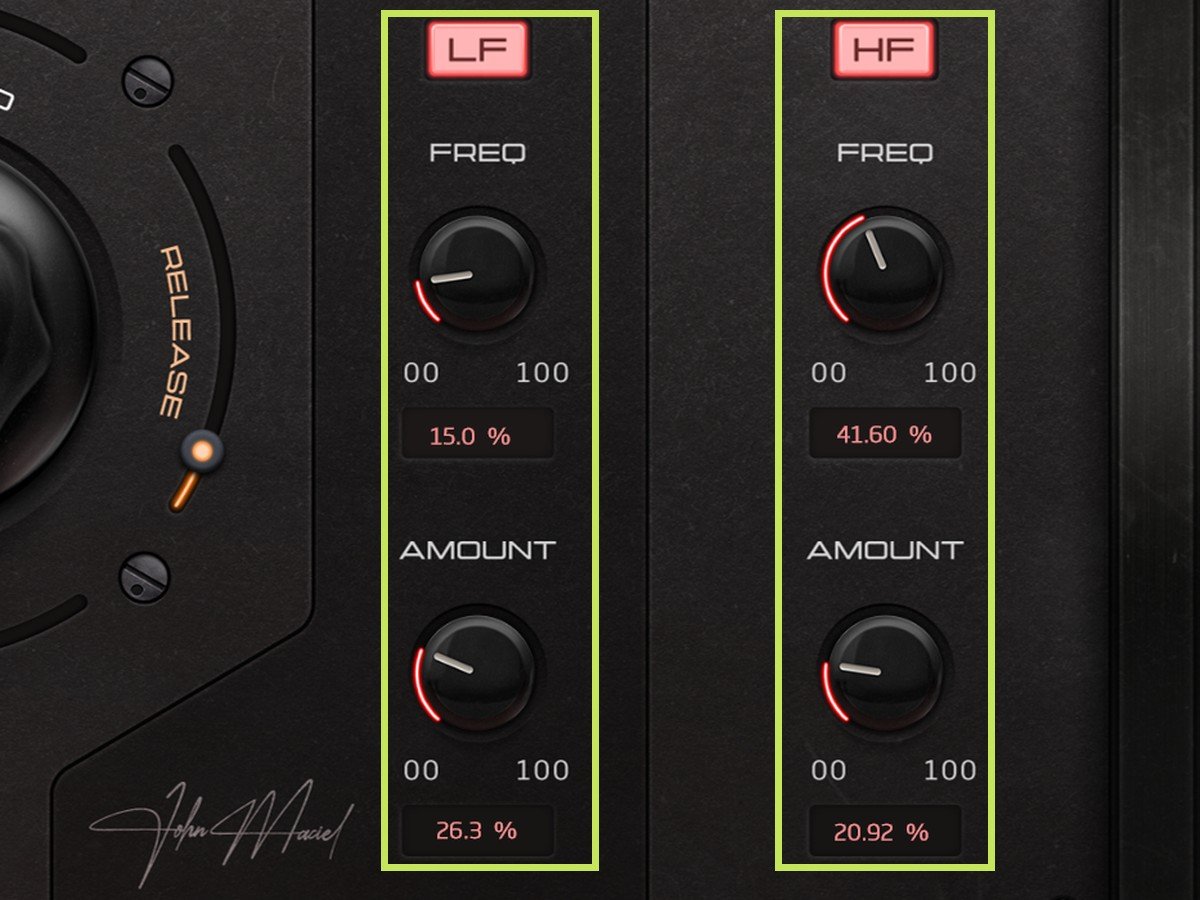
Gating can cost you some low end and some top. Instead of adding another EQ, Bleed Box has subtle LF and HF Recovery built in, with a curve you’ll probably recognize.
Set the amount, then sweep the frequency to find the sweet spot. It’s subtle on purpose, and a little goes a long way.
Whether you’re cleaning up a live rock kit, a rushed session or a room that didn’t cooperate, Bleed Box helps your drums breathe, so they stay punchy, natural and easier to compress. If your drums are fully sampled, you can already turn the bleed off in your sampler, so you probably don’t need it.
Get Bleed Box
Try it free for 14 days, or buy it now.
Tech specs
Recommended for your device
- AAX, VST3, AU versions included
- 64-bit only Intel & Apple silicon
- Mac OS X 10.15 or higher
- At least 8GB of RAM, 16GB is recommended
- At least 400MB of free drive space (OS drive)
How can I report a bug?
Those pesky bugs... please let us know about it! We will do our best to fix it as soon as possible.
Compatible OS
Windows and Mac
All Major DAWs
VST3, AAX, and AU Support
Instant Download
Get Started Now